How to Set Up a Missed-Call Alert That Reaches You on the Roof (Part I)
 10 min readNov 12, 2026
Part I of a two-part guide. Pick a missed-call text-back and alert setup for your roofing business (phone app, CRM, no-code tools or an answering service) and make sure the alert reaches you.
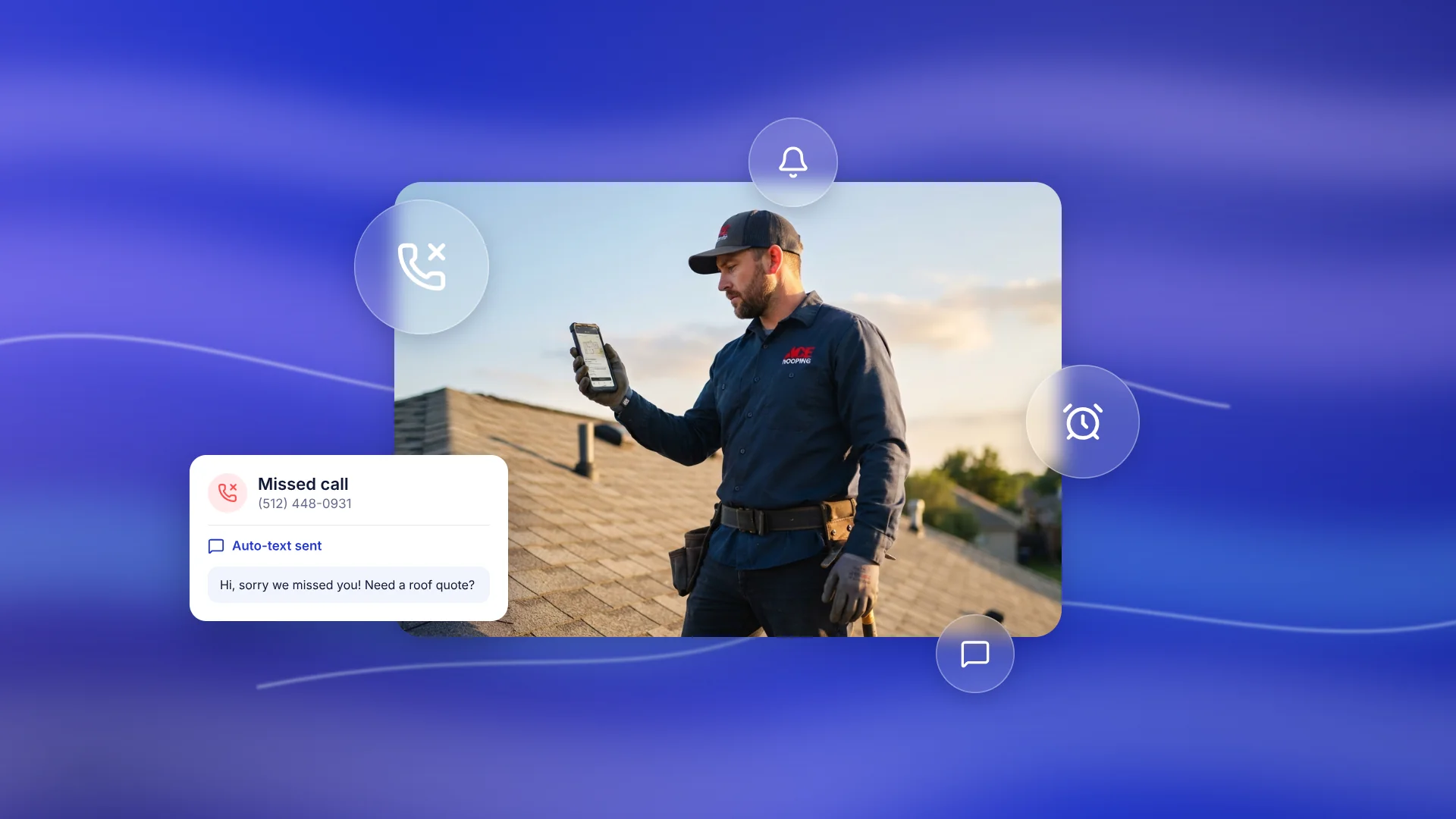
You are on the ridge when the phone rings. Both hands are busy. By the time you climb down and check, that call is an hour old.
You can't fix this by answering faster. You fix it with a missed-call alert: when you miss a call, the homeowner gets a text right away, and you get a notice you can't ignore.
This is Part I of two. It covers choosing and setting up the system with options most roofers can do without code: phone apps, a CRM, no-code tools and answering services. It also covers how to make the alert reach you on a roof, the landline and texting rules, and how to test it. Part II is for building it yourself with Twilio, WordPress or Nuxt, and for keeping it running: escalation, storm week, moving your number, Local Services Ads and measuring results.
Why a missed call matters
In a 2026 survey by RoofingROI Labs, 250 US adults who had hired a roofer in the past three years were asked what they did when a call went unanswered. 40.8% left a voicemail and waited. 28% called the next company right away.
RoofingROI is a roofing marketing agency, and 250 people is a small sample, so read this as a signal and not a rule. These are also answers people gave, not behavior anyone measured.
The point is simple. Your missed call sits next to other roofers' phones. A fast text and a fast callback keep you in the running.
The five parts of every setup
Every route below fills the same five slots. Pick one tool for each slot and the system works.
- Number: where customers call (your cell, a business line, or a tracking number).
- Detection: how the system knows the call wasn't answered.
- Text-back: the message the homeowner gets.
- Your alert: how you find out, on the roof.
- Escalation: what happens if you don't react.
The free first step
Before you buy anything, ask your carrier how to forward unanswered calls to a second person, like your office or a crew lead. Most carriers offer it in their settings.
It doesn't text the caller and it keeps no record, so it is only a start. But one catch matters for every route in this guide: if your own carrier voicemail picks up, many systems count the call as answered and never fire a missed-call event. Shorten the ring time, or use a business line with its own voicemail.
Route 1: A business phone app
This is the quickest way to a real text-back. You get a second business number inside an app. Calls ring your cell through the app. If you miss one, the caller gets an automatic text.
Quo (formerly OpenPhone)
- Set up auto-replies for missed calls, new voicemails and incoming texts. You can write one message for business hours and another for after hours.
- It sends at most one auto-reply per contact every 3 hours, so a homeowner who rings twice doesn't get two texts.
- It skips the reply if you recently called or messaged that contact.
- Set it up on the web or desktop app. The mobile app can't change auto-reply settings.
- After-hours replies only work if your business hours are set correctly.
- It can also send missed-call alerts to Slack, email and connected tools.
CallRail
- Click Settings, then pick your company.
- Open the Workflow tab, then Automated Response.
- Tick the box to send a text when you miss a call, and write your message.
- Pick a backup tracking number that can send texts, then Save.
Things to know before you start:
- You must register your business for text messaging compliance first.
- It works only with US and Canadian numbers.
- Toll-free tracking numbers can't send texts, which is why it asks for a backup number.
- If the caller hangs up before 15 seconds, the call counts as abandoned and no text goes out.
- Each company in your account is set up separately.
- To get your own alert, create a call or text notification for a user in CallRail's notification settings.
Other business phone apps offer similar features. Check what each one does before you pay.
Route 2: A CRM with follow-up (GoHighLevel)
This is the setup I build into roofing sites. GoHighLevel gives you two ways to do it.
The built-in setting. Go to Settings, then Phone Numbers. Open the number, then Voice, then Voicemail & Missed Call Text Back. Tick "Enable Missed Call Text Back," click Customize, write your message and Save. You can also change how long the phone rings before a call counts as missed. Menu names move around as the product changes, so if you can't find it, search GoHighLevel's help center for "Missed Call Text Back."
One thing to know: GoHighLevel texts for every missed call, even when the same person calls several times in a row. Fine for a first setup. For busy weeks, use the workflow below so you can cap it.
The workflow. In the workflow builder, start with the "Missed Call" trigger. If you use the workflow, untick the built-in setting so the caller doesn't get two texts. A workflow I'd build:
- Text the caller.
- Send an alert to you with their number. This can be an SMS or a push notification from the GoHighLevel mobile app.
- Create the contact and add them to a pipeline as a new lead.
- Wait 3 to 5 minutes. If the caller replied, stop. If not, alert a second person.
- Skip known numbers such as suppliers and your own crew, using a tag and an If/Else step.
Check the app's notification settings on your phone and test them. An alert that never reaches your lock screen is no alert.
Google Business Profile. GoHighLevel can set its tracking number as the primary number on your Google Business Profile. It moves your old number to the secondary slot. That way, calls from Google enter the same flow.
Route 3: No-code tools (Zapier, Make, n8n)
Use these when your phone tool has no alert feature, or when you want the alert to go to more than one place.
- n8n has public templates that take a Twilio missed-call event and send the owner a Telegram alert. Others text the caller back, log to Google Sheets and email you.
- Zapier has templates such as CallRail to an SMS service during business hours, and email plus text for missed calls after hours.
- Make works the same way. Build a scenario that listens for a webhook and filters on the call status.
The pattern is always the same. A call event comes in, a filter checks that it was missed, and two actions fire: text the caller, alert you.
Route 4: Answer the call instead of alerting
An alert tells you about a missed call. These options pick up the call, so the homeowner never reaches voicemail.
- A live answering service. A person answers in your company name and sends you the details.
- An AI receptionist. A voice agent answers, takes the caller's name, address and problem, and sends you a summary.
Both cost money every month, and quality varies. Test any service yourself by calling it and playing a worried homeowner. Also check how your ad platform counts calls that a service answers, since the rules differ. If you run Local Services Ads, see the Local Services Ads section in Part II.
Which route fits
- Solo roofer, no CRM, wants it today: Route 1 (Quo or CallRail), plus a loud alert from the list above.
- You want the whole follow-up handled: Route 2 (GoHighLevel).
- You want alerts in a tool that has none: Route 3 (no-code tools).
- You miss calls because you can't pick up at all: Route 4.
- You or your developer want full control, or you run WordPress or a headless site: Part II.
Make the alert reach you on the roof
A missed-call alert is only worth what you notice. From best to worst:
- A repeating push alert. Pushover's emergency priority keeps repeating until you tap to acknowledge it. The repeat interval can't be shorter than 30 seconds. That is hard to miss on a ladder.
- A text from a saved contact called "NEW LEAD." Give that contact its own loud tone and a long vibration. Allow it through Do Not Disturb or Focus mode.
- A phone call to you. Some systems can ring you with a "new lead" message. Hard to ignore.
- Telegram or Slack. Fine if you already have it open all day. Turn notifications on.
- Email. Last resort. Nobody checks email on a ridge.
Use two of these, not one. A smartwatch helps too, since a buzz on your wrist is hard to miss with gloves on.
Before you text callers: landlines and rules
Landlines can't get texts. Some homeowners, often older ones, call from a landline. A text to a landline fails. CallRail says so in its own help page, and Twilio logs it as a delivery error. Plan for it:
- Record a voicemail greeting that says "leave your name and number, and I'll call you back."
- Make your alert show the caller's number, so you can call back yourself.
- If you build it yourself, Twilio's Lookup service can tell you whether a number is a landline before you send.
Texting rules. I'm not a lawyer, and this isn't legal advice. These are the basics to check:
- Texting back someone who just called you, about what they called about, is generally allowed. Marketing blasts are a different thing.
- Put your business name in the text.
- Honor opt-outs. The FCC's rules treat replies such as STOP, QUIT, END, REVOKE, OPT OUT, CANCEL and UNSUBSCRIBE as a request to stop. Honor it within 10 business days at most. Sooner is better.
- Don't text at odd hours. A common rule of thumb is between 8 a.m. and 9 p.m. in the person's time zone.
- Some states add their own limits. Check your state before you go live.
Your website's job
The call flow runs through your phone or CRM, not your website. But your site still has two jobs, whatever it is built on.
1. Show the right number. Put the business or tracking number in the header, the click-to-call button and the footer. A call from your site then enters the same flow as any other call. Use the same number on Google Business Profile where you can, and keep the old number listed as secondary so you don't confuse your listing.
2. Alert on form leads too. A missed estimate form is a missed call. Connect your form to your CRM, or send it to a webhook, and fire the same alert you use for missed calls.
If your site runs on WordPress or a headless setup and you want it to receive the call report itself, see Part II. Once your new number is live, update your site and your Google Business Profile to show it.
Test before you trust it
Do this once after setup, and again after any change.
- Call your business number from another phone and let it ring out. Did the text arrive? Did you get the alert?
- Call and let voicemail pick up. Many setups fail here.
- Call twice in a row. You should get one text-back, not two.
- Call from a landline if you can. Does your alert still show their number?
- Put your phone in your pocket, locked, and ask a friend to call. Did you feel it?
- Try it after hours. Is the message different?
- Fill in your estimate form. Does the same alert fire?
If any step fails, fix it before storm season, not during it.
Next: build it or keep it running
Part II covers the build-it-yourself route with working code, plus escalation, storm week, moving your number, Local Services Ads and measuring what you recover: Part II.
Want it set up for you?
If this looks like a lot, it doesn't have to be your weekend project. I've been building WordPress and WooCommerce sites for 14+ years, and I set up missed-call alerts, text-back and follow-up as part of roofing websites. Tell me which phone number you use and what you'd like to happen when you miss a call, and I'll tell you which route fits.
Start here: masoodhq.com/roofers